UX Design, Graphic design
the problem

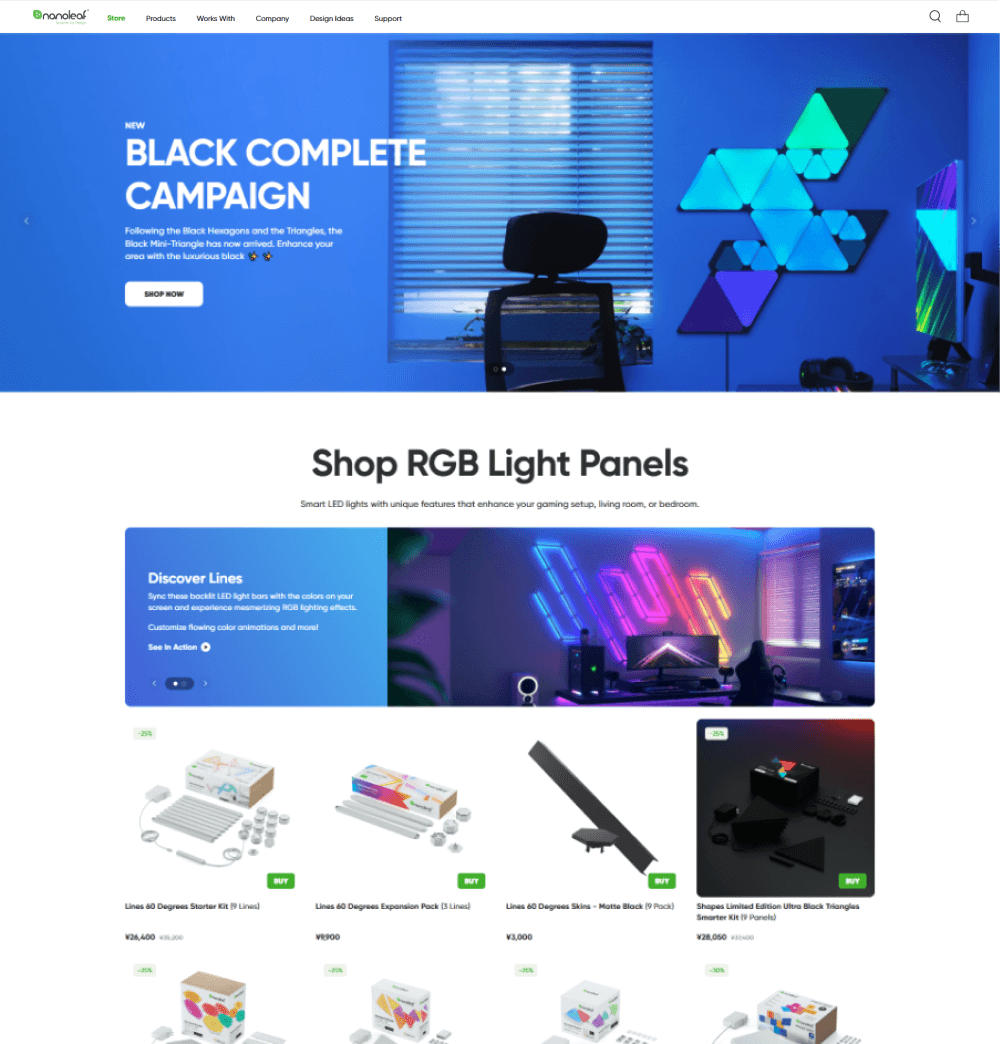

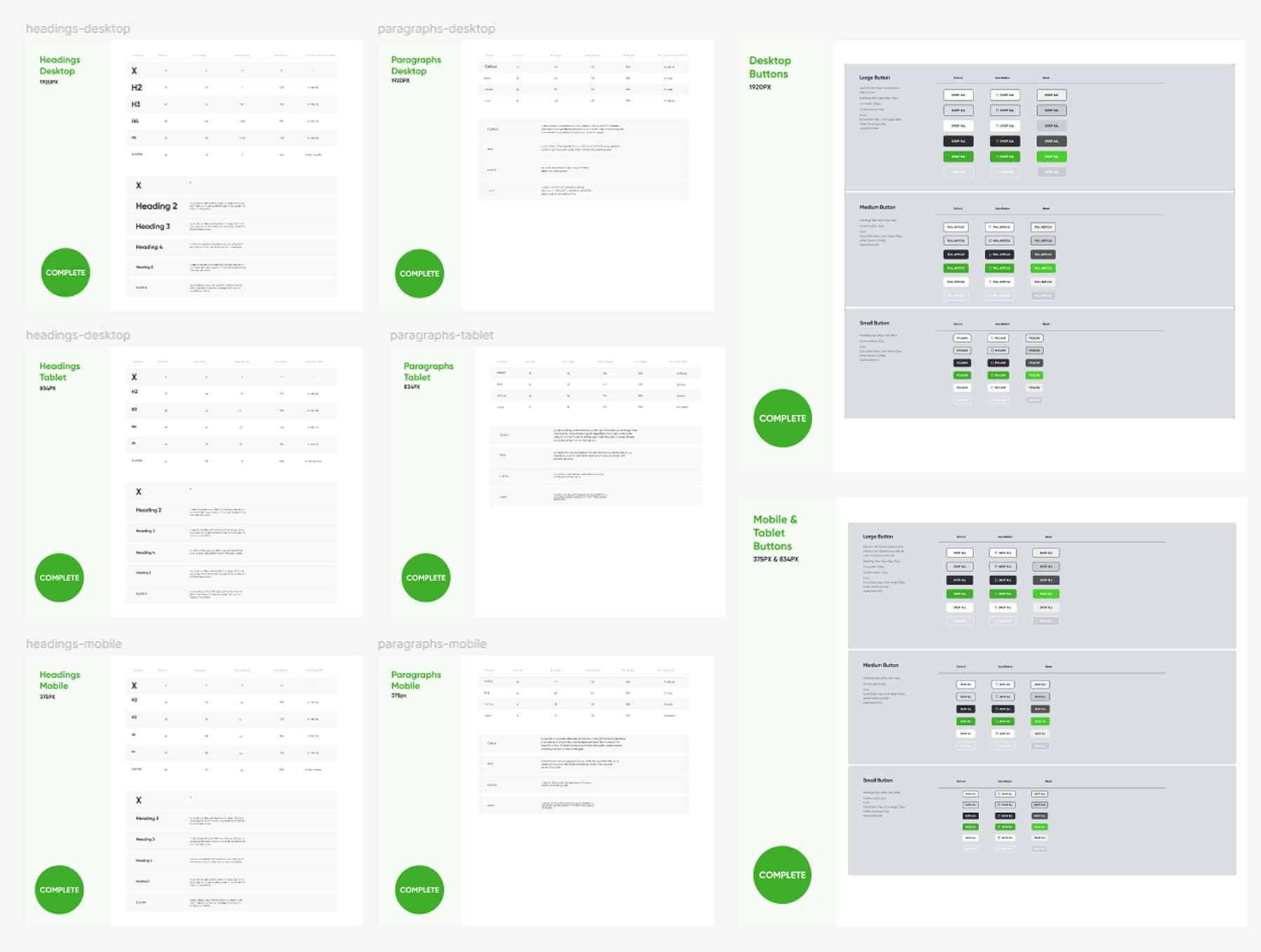
design system
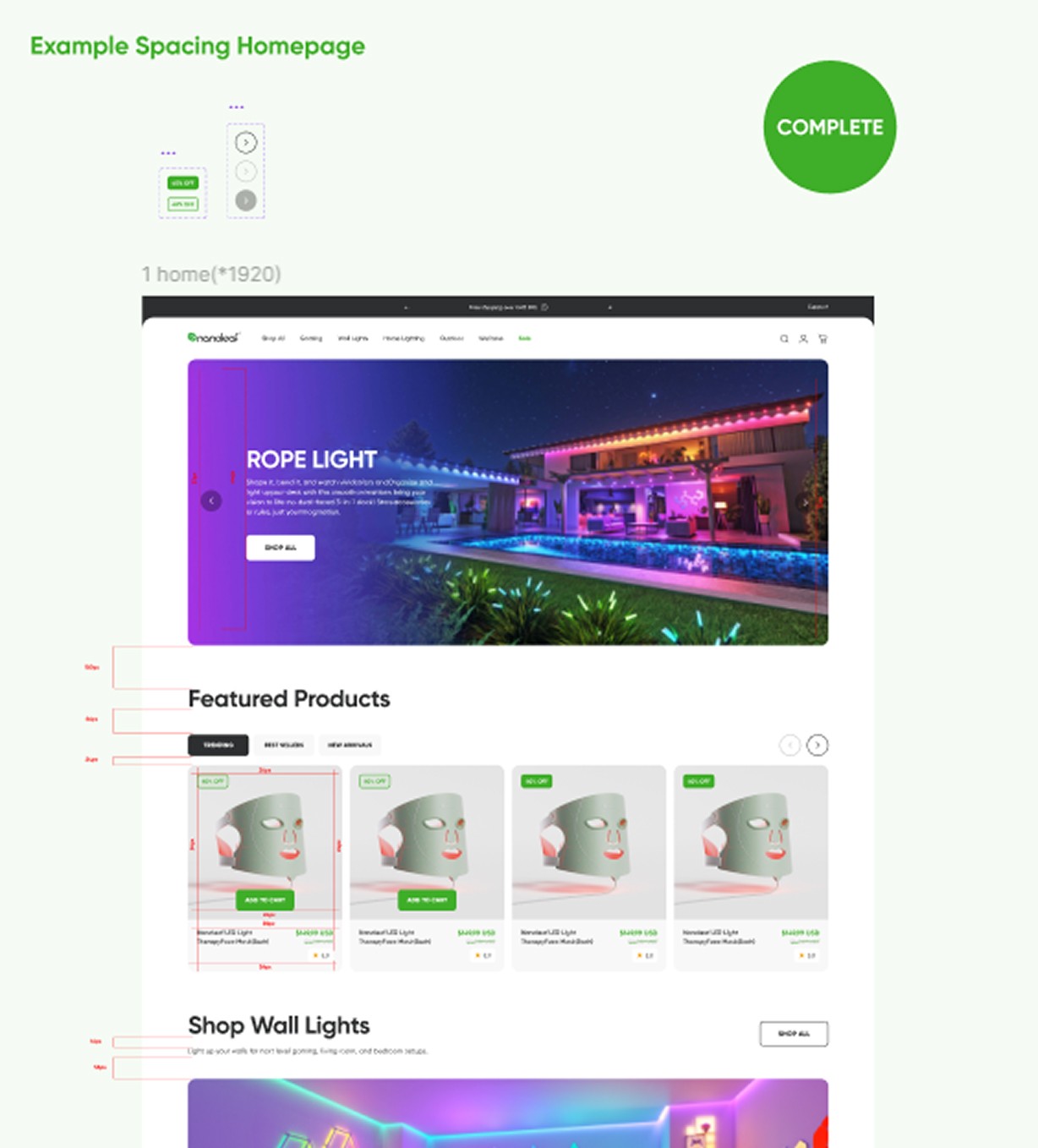
redesign
navigation
The navigation menu on the original site was text based. All of the products were listed under their product categories. This navigation was not very intuitive and would require users to have in depth knowledge of Nanoleaf products to browse them. Nanoleaf’s Wall Decor products specifically all had branded names which does not help the user if they do not know what they are looking for.
Orginal Nanoleaf Navigation
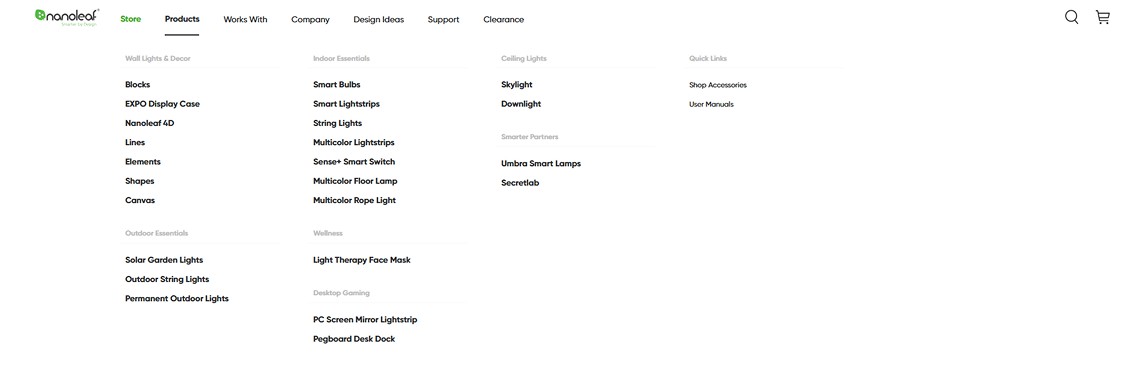

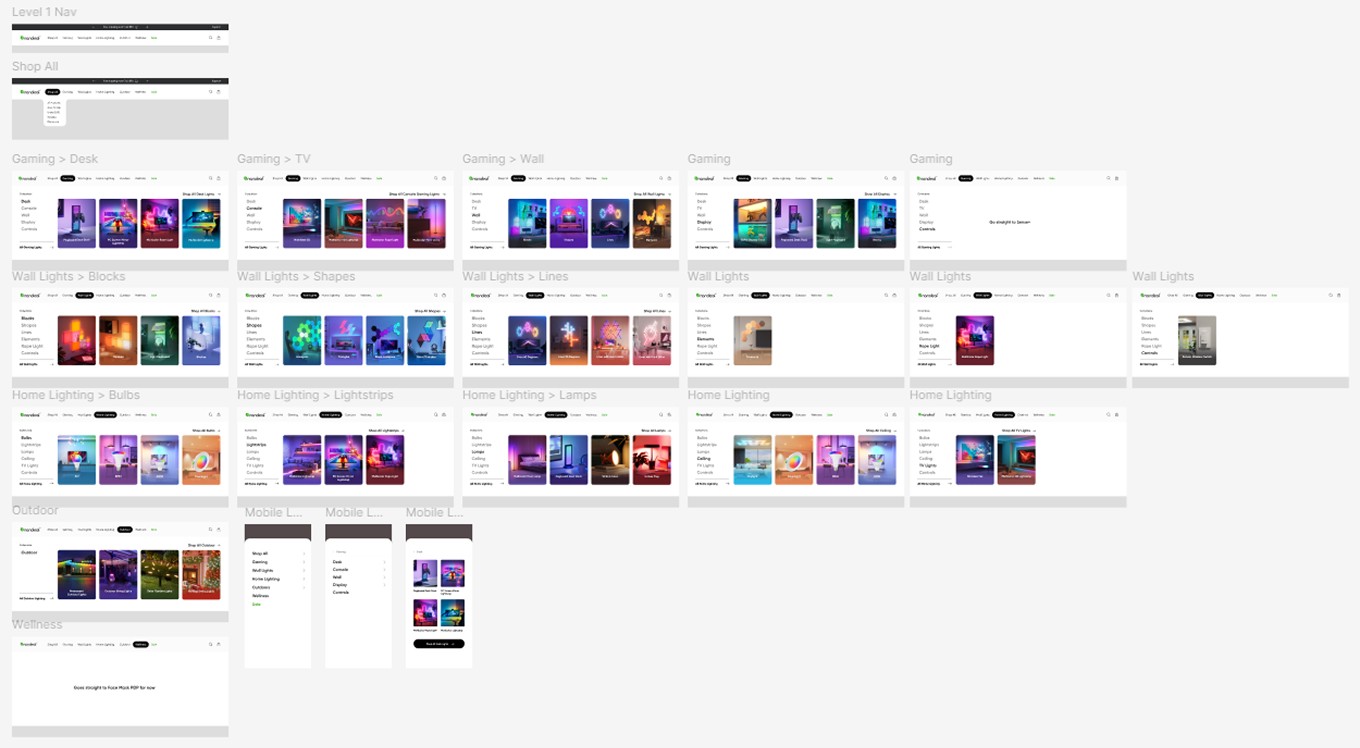
The Marketing Director and I brainstormed together to recategorize the products in a way that would be intuitive for users. The goal was to make the navigation more sales driven, so we moved the categories onto the top navigation bar, removing the hidden menu within "Shop". Nanoleaf is primarily known for its Wall Decor products, but has recently branched out into other lighting and product categories. We wanted the categories to be visible to customers to show them all the different types of products Nanoleaf offers. There was lots of discussion of if the categories should be based on location of the lights, or type of product, or use case. We landed on a combination, making sure to have gaming products and wall lights be prominent since this a large portion of the customer base for the website.
There were some products, like different types of bulbs, that shared product pages. This created hidden products that were less visible to customers. I separated these products into their own product pages and gave each product their own thumbnail within the navigation.
Orginal Nanoleaf Navigation
homepage
The homepage on the original site was primarily set up with categories that the marketing team will periodically update based on campaigns and the time of year. I worked with the marketing director and creative director to determine the categories and other elements that would be valuable for customers and the marketing team on the new website. We added more interactive elements such as hotspots and tabs to show how Nanoleaf’s outdoor lights can look at different times of the year.
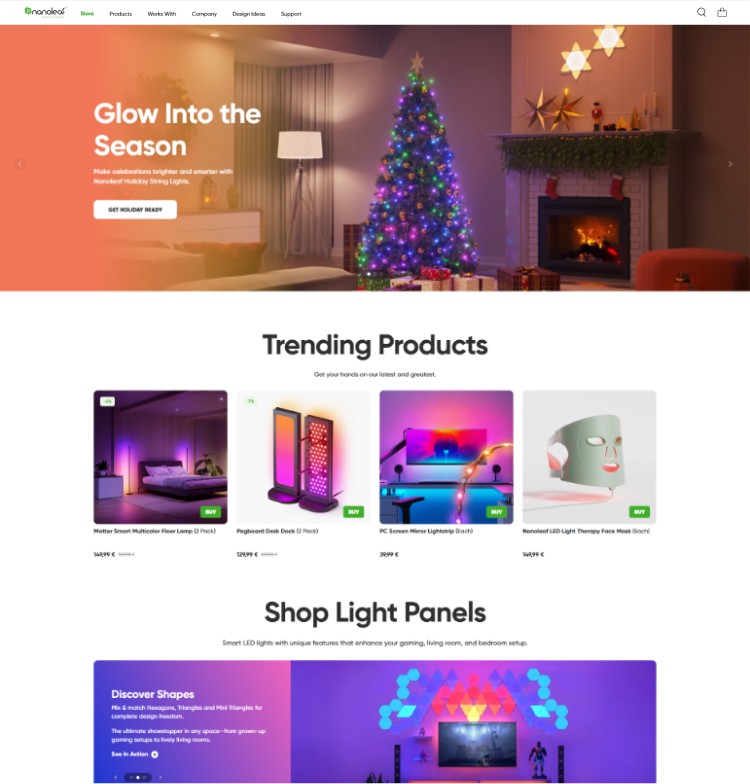
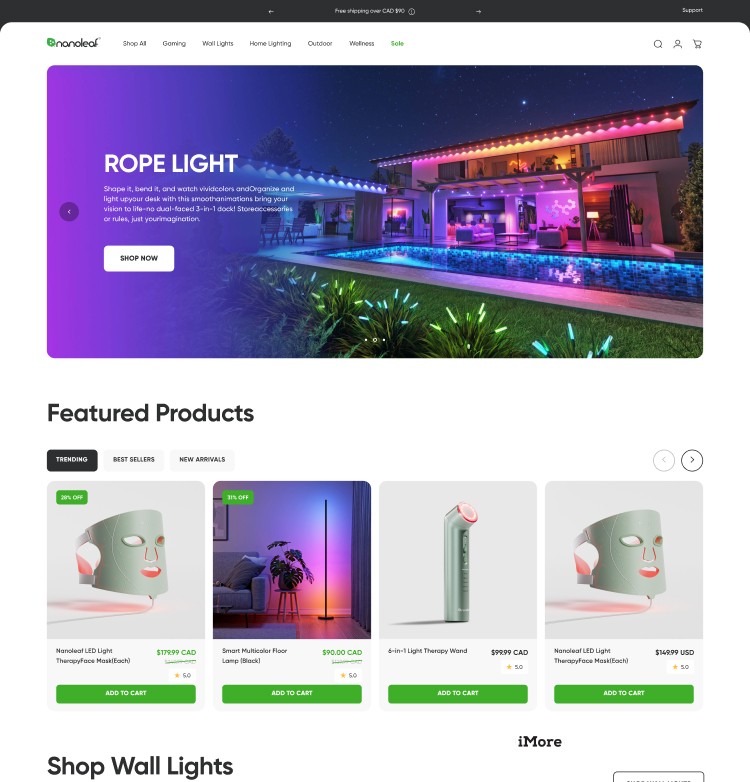
We replaced the previous static Trending Products with an interactive Featured Products section to make it simple for customers to browse products from trending, best sellers, and new arrivals.
Elements for Campaign Template
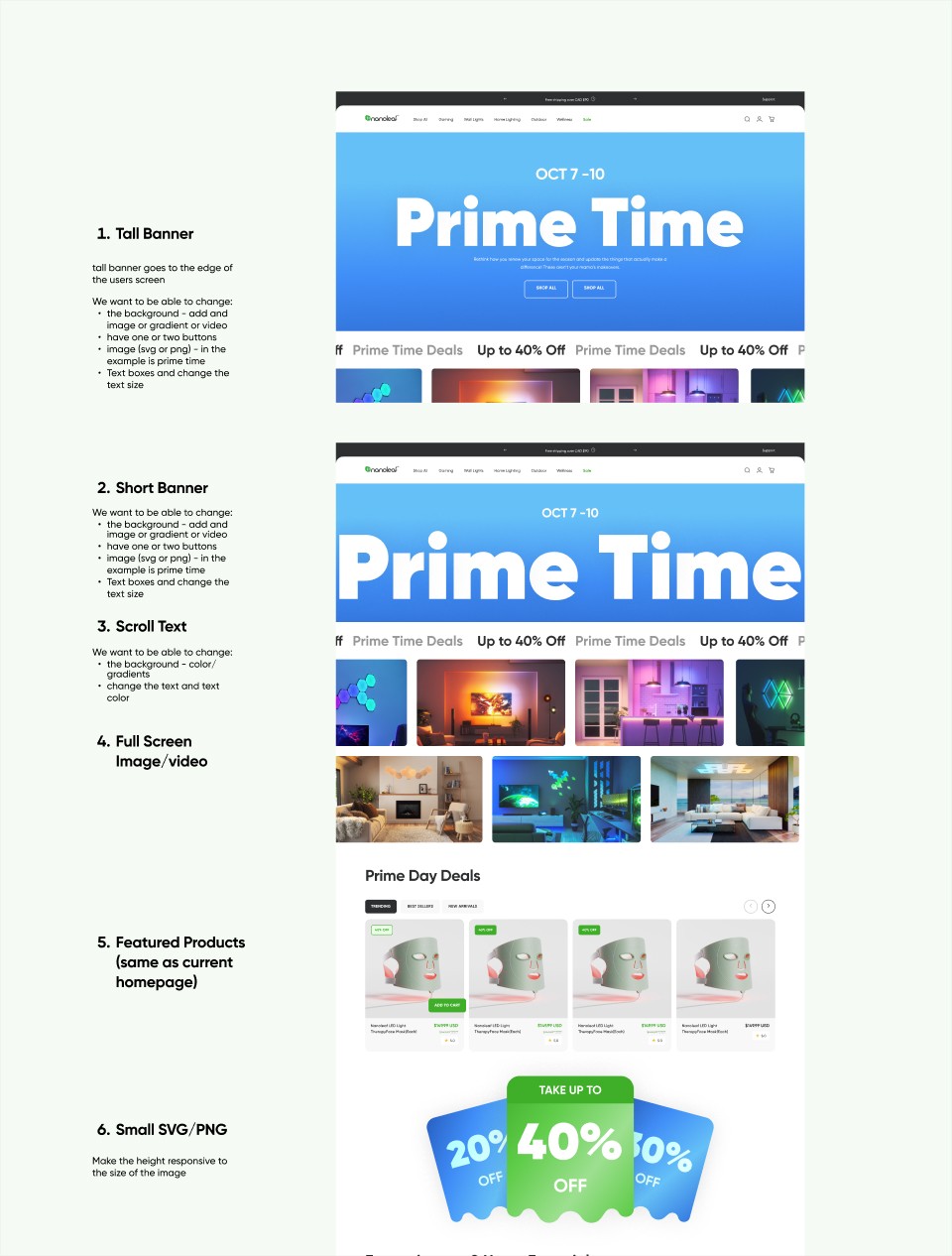

As mentioned, the previous website was highly customized and was only editable through code by Nanoleaf’s small web developer team. This would make it difficult to implement homepage campaign takeovers or reskinning the website to promote the campaign. The Marketing team would do a number of larger campaigns a year and needed a more flexible solution. I designed them a homepage for campaigns with flexible elements that they could modify through Shopify’s CMS. This would give the marketing team more control over the campaigns and free up developer resources.
product pages
The product pages redesign was the greatest challenge of the web redesign as these pages were all custom built and all of the pages included different elements. The pages were set-up with a shop section at the top then product details underneath with custom coded elements and graphics.
Orginal Nanoleaf Navigation
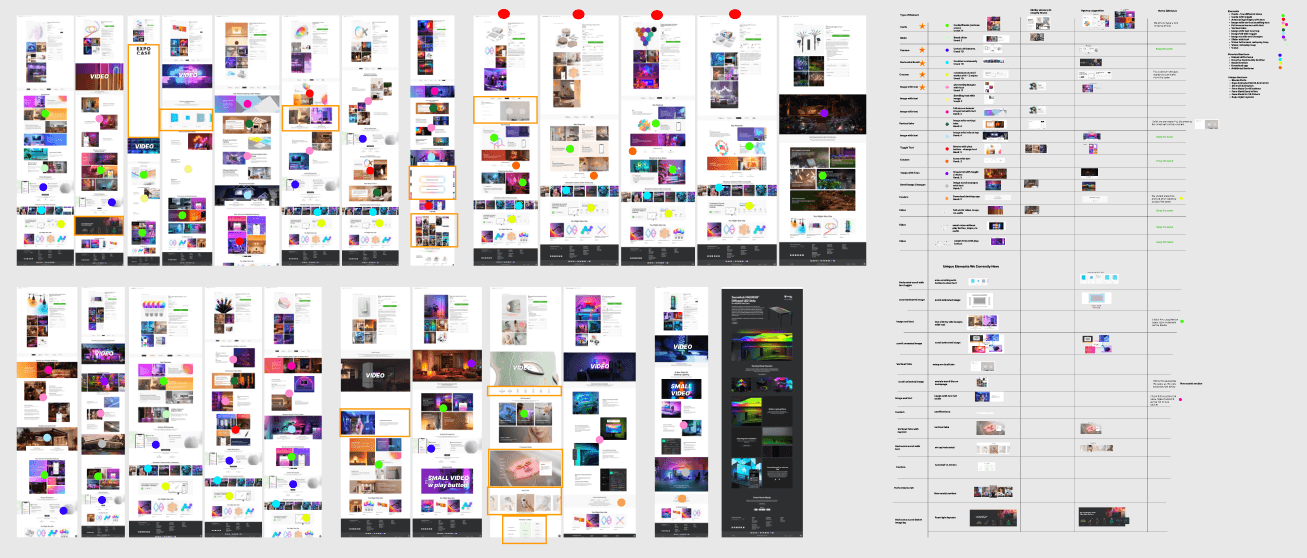
I started by going through all of the pages and identifying all of the different elements and grouping them if they shared similarities. This allowed me to map out the original website elements to the options available in the new template. We chose to use the template to reduce the workload on the developers so they could modify elements from the template instead of creating custom ones. I reduced the number of elements by half and reused as many templated components where possible. This also improved the consistency of the overall website brand.
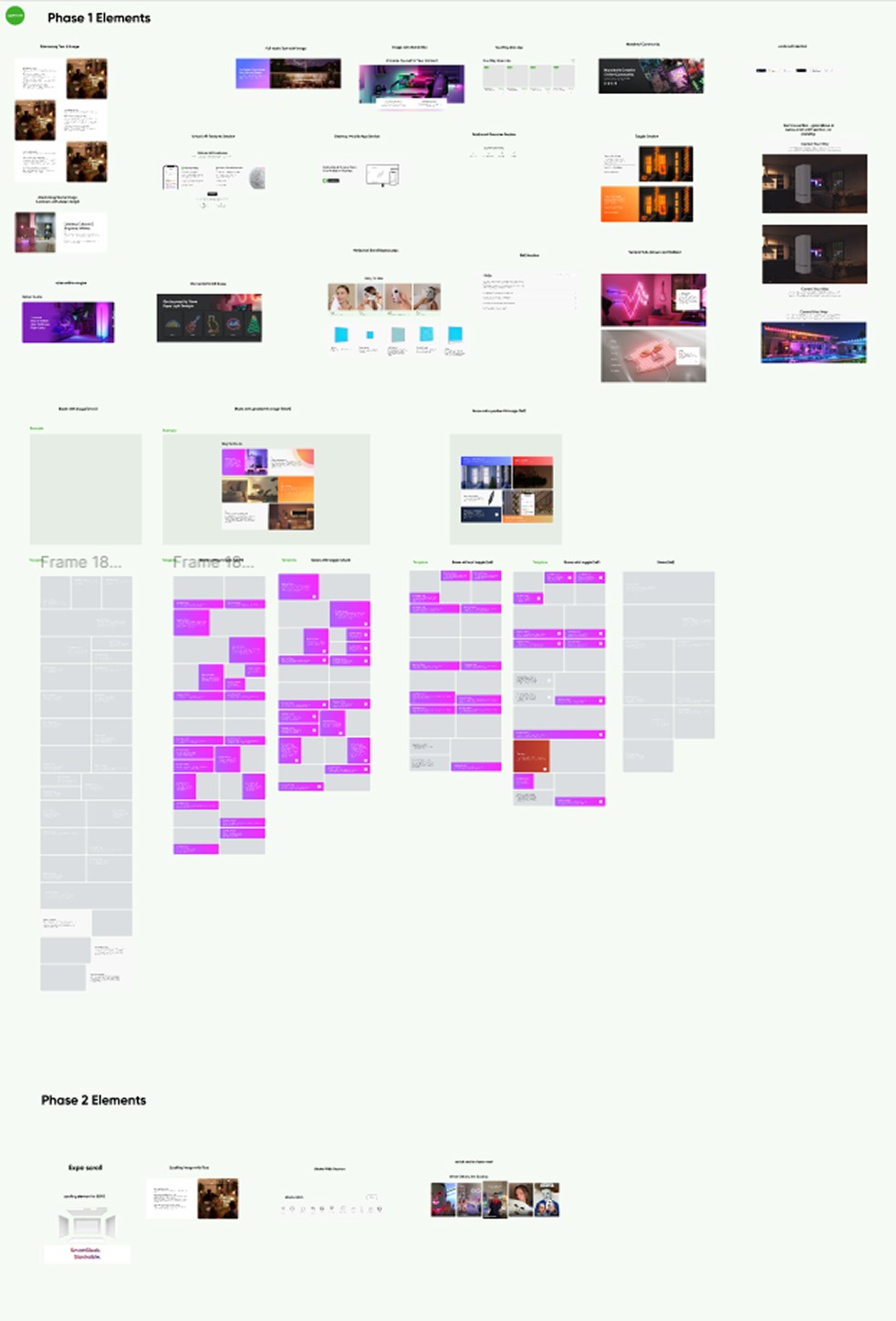
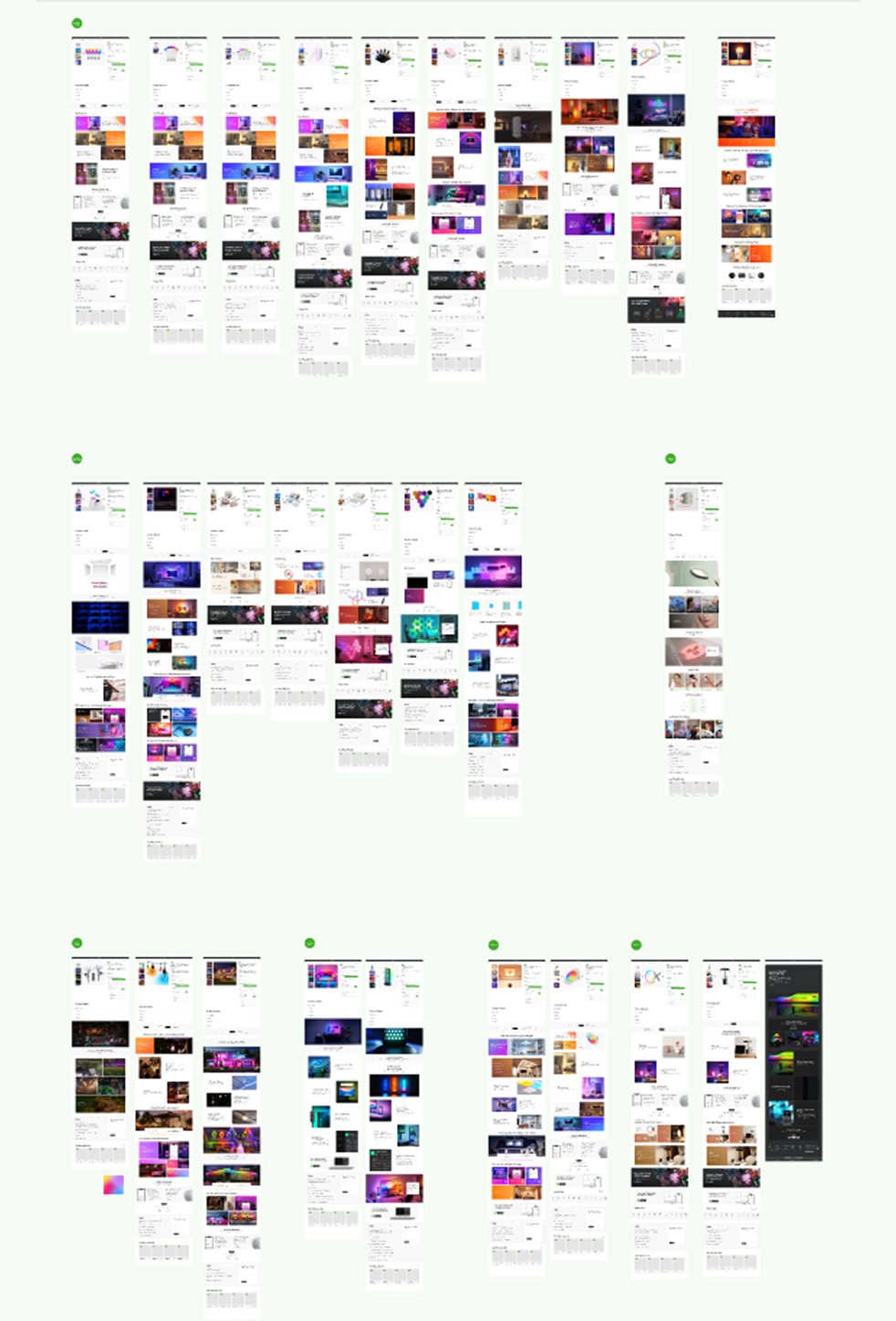
After creating all of the elements I went through and redesigned the 24 product pages with the new elements. I adjusted the current content to fit with the new templated design.
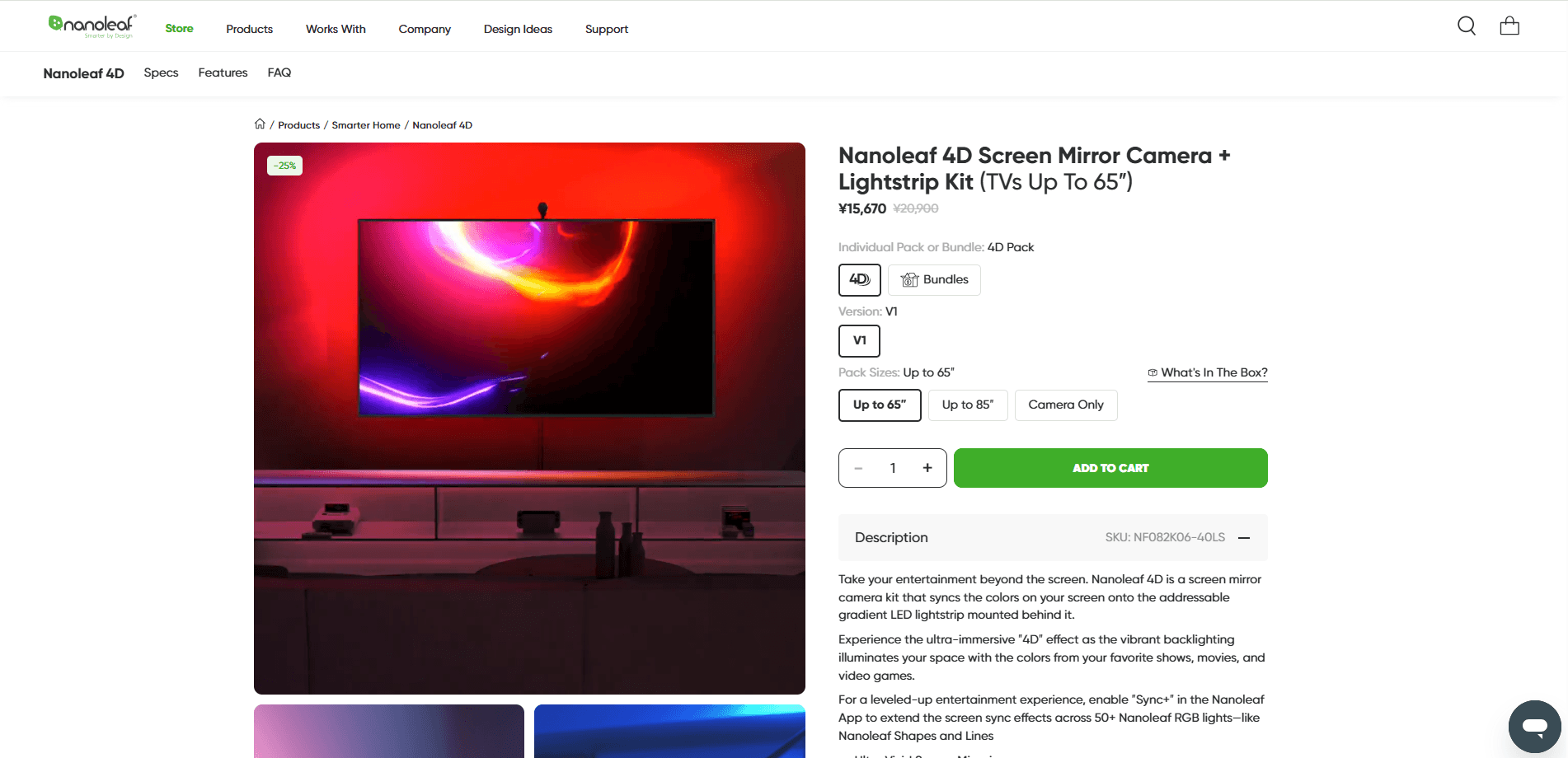
PSU calculator
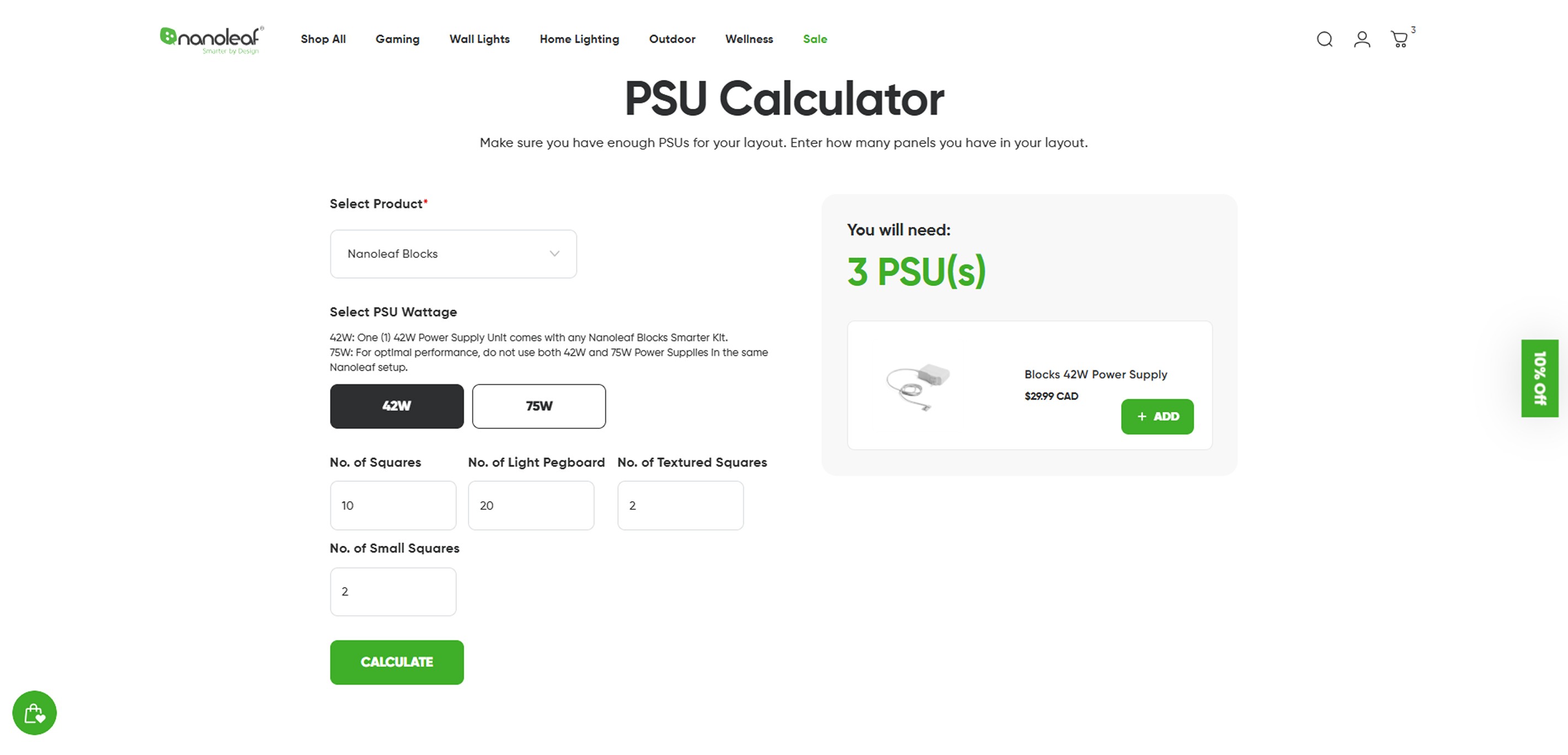
There were many other pages that I redesigned or led the agency on with the redesign. A page where I improved the user experience flow was for the Power Supply Unit (PSU) Calculator. Nanoleaf Wall Products are primarily modular led panels. After a certain number of panels are added to a display the customer needs to add more PSUs to provide more power.
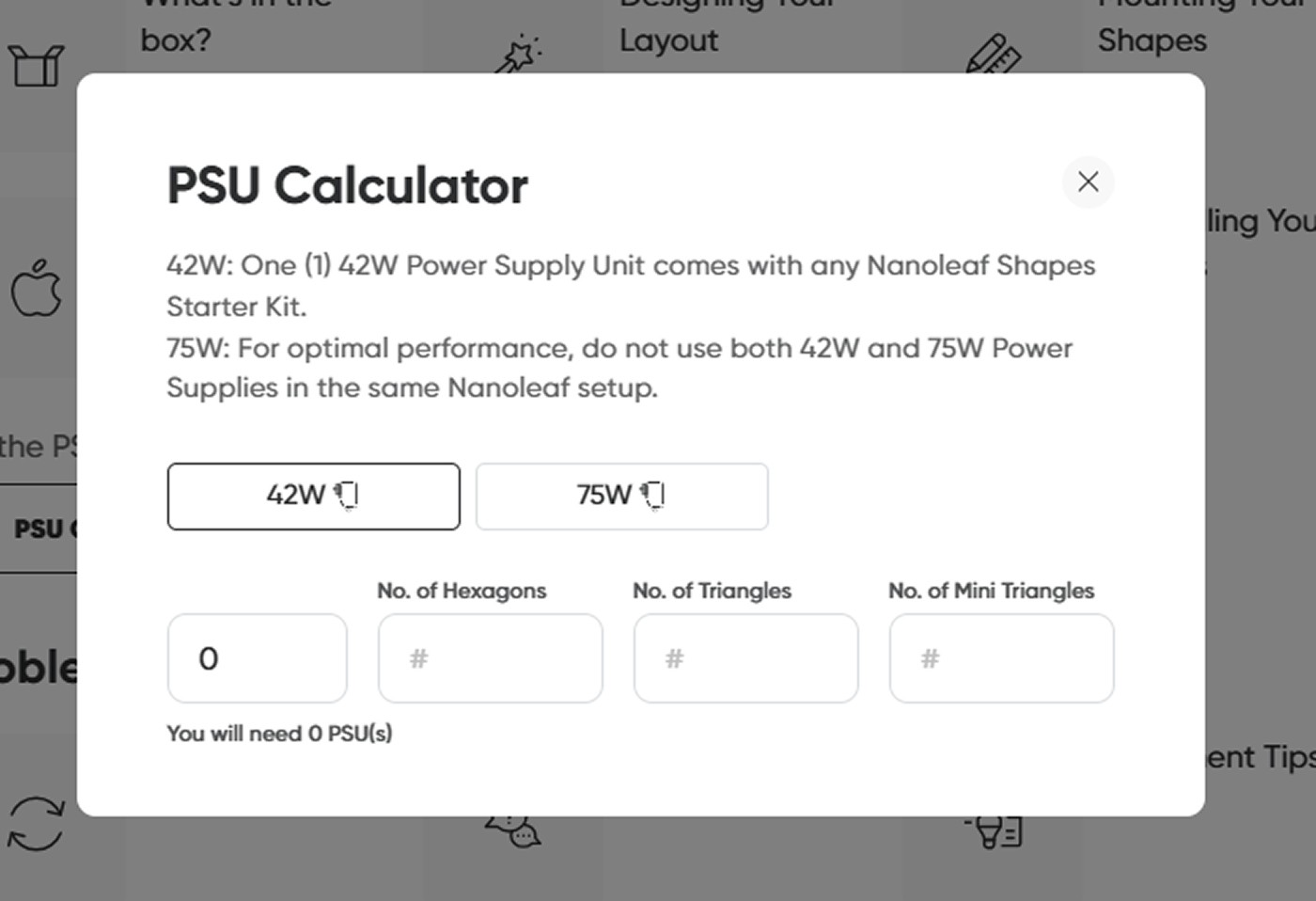
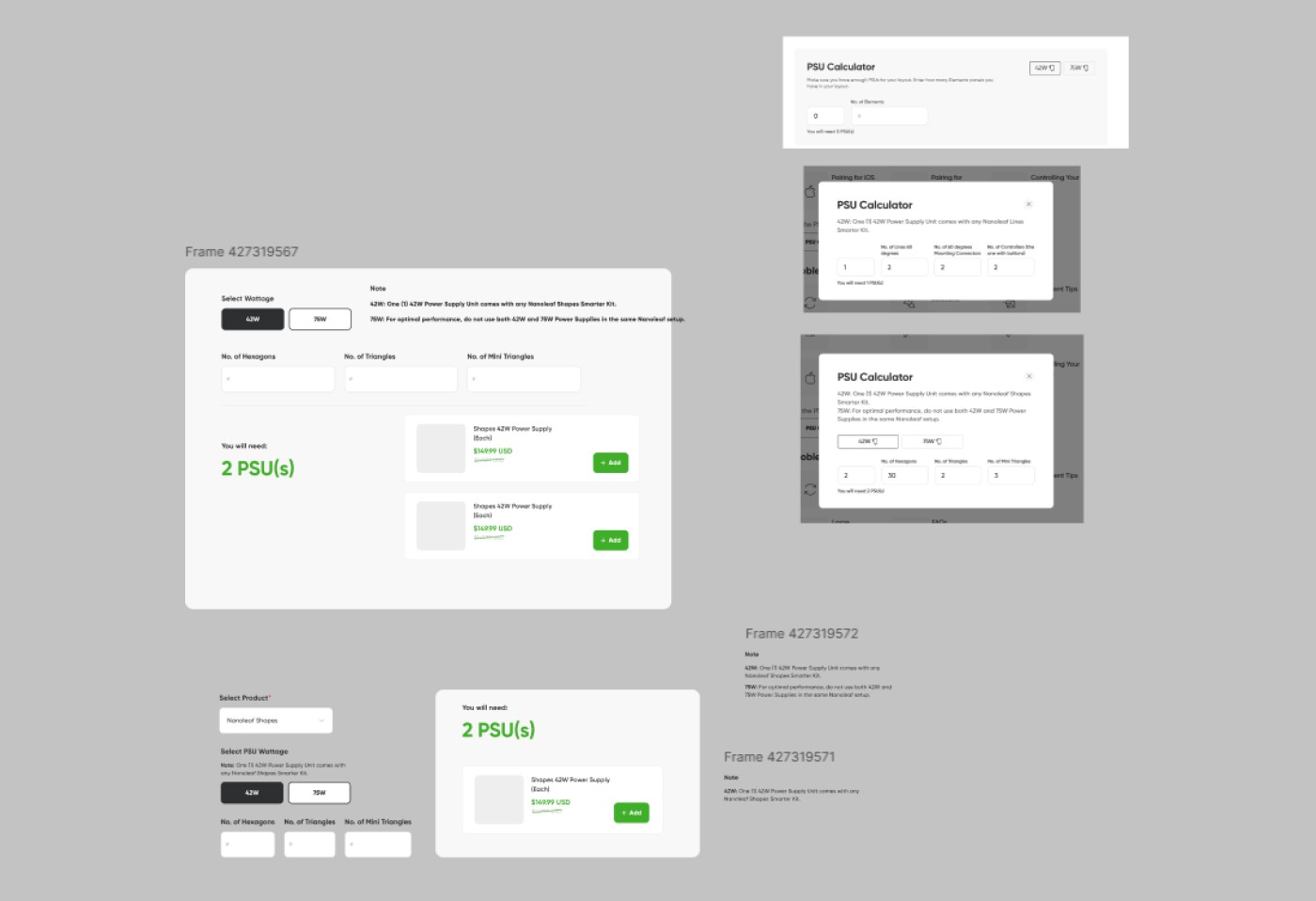
There were 4 different PSU calculators for different products on the original website. The PSU calculators were accessed through pop-ups in different parts of the website. There were hierarchy issues with the calculator. For example, the number of PSUs the user would need for their set-up had the smallest font on that webpage. This was improved to make the PSU result the largest on the screen. The PSU they would need to purchase was also added below for easy access. The form was set up in a way that guided the user by adding titles for each text box. Creating one calculator for all of the products also makes the page more accessible if the user searches for this information through a search engine and can be easily shared by the CX team to customers.
Final PSU Calculator